Orders and sales
Less retyping. More attention to the order.
Transfer buyer details from Qublo to the supplier’s form using the extension. Check the address, product and total before confirming the purchase yourself.
See the complete guide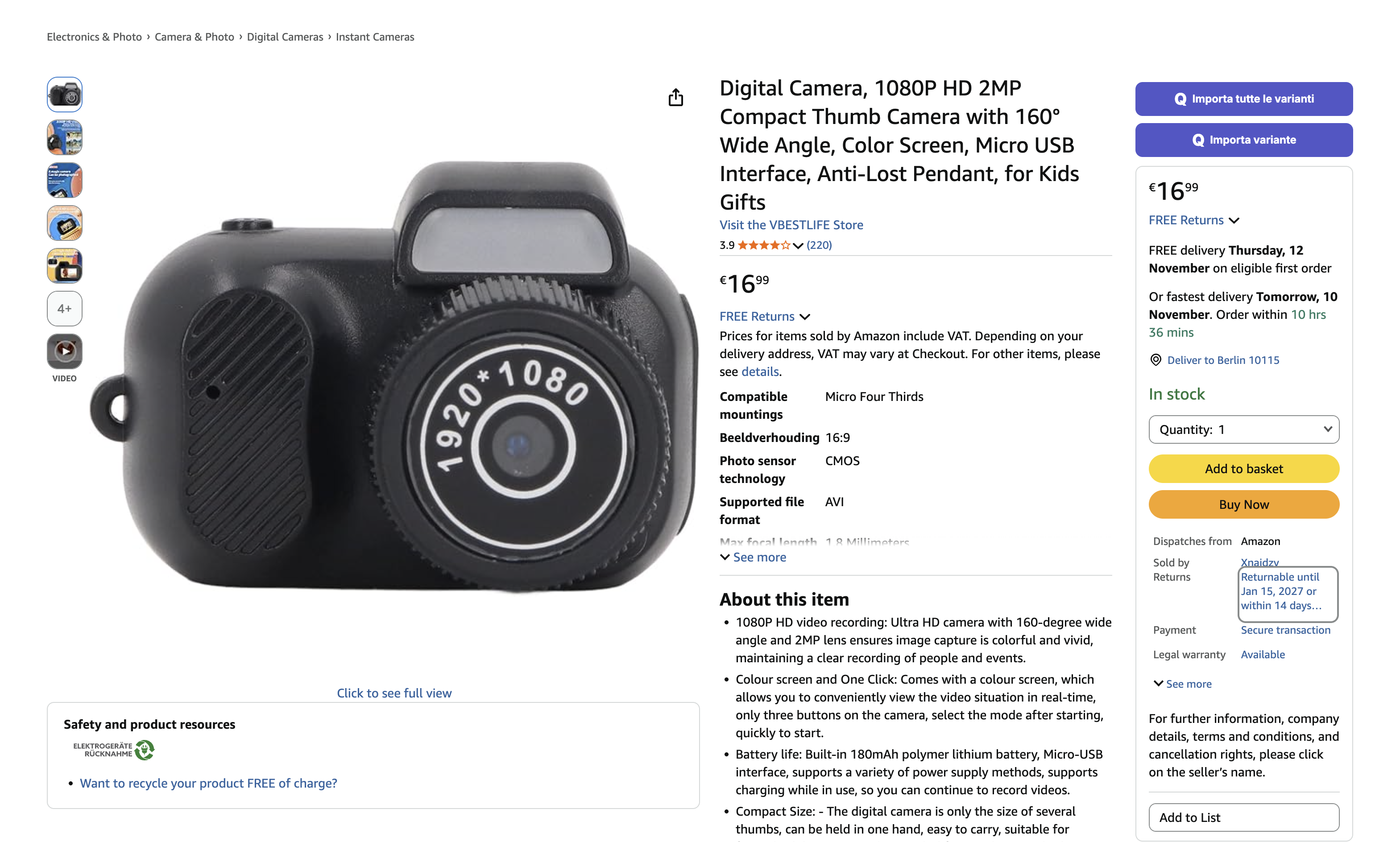
Practical help between the sale and the supplier
When preparing a purchase, the details must match the order you received. Qublo lets you copy buyer information from the sale and use it on the supplier’s site through the extension. Reduce repeated typing while keeping control of the important checks: item, variant, quantity, destination, delivery and final amount.
- Copy the relevant buyer information together.
- Use Paste from Qublo in supported supplier forms.
- Return to the order to record the correct purchase cost.
How to get started
Check the sale
Open Order details and make sure the purchase has not already been made. Review the product, variant, quantity and notes.
Transfer the details
Choose Copy all information. Open the supplier’s product page and use Paste from Qublo in the address form.
Review and confirm
Check every field, destination, delivery and total. Confirm the purchase yourself and record the cost for the whole order in Qublo.
Find every step in the documentation
Screens, instructions and practical checks for this feature.