Import products in one click
From Amazon to your Qublo drafts. Choose a product, import it and prepare it for your eBay store.
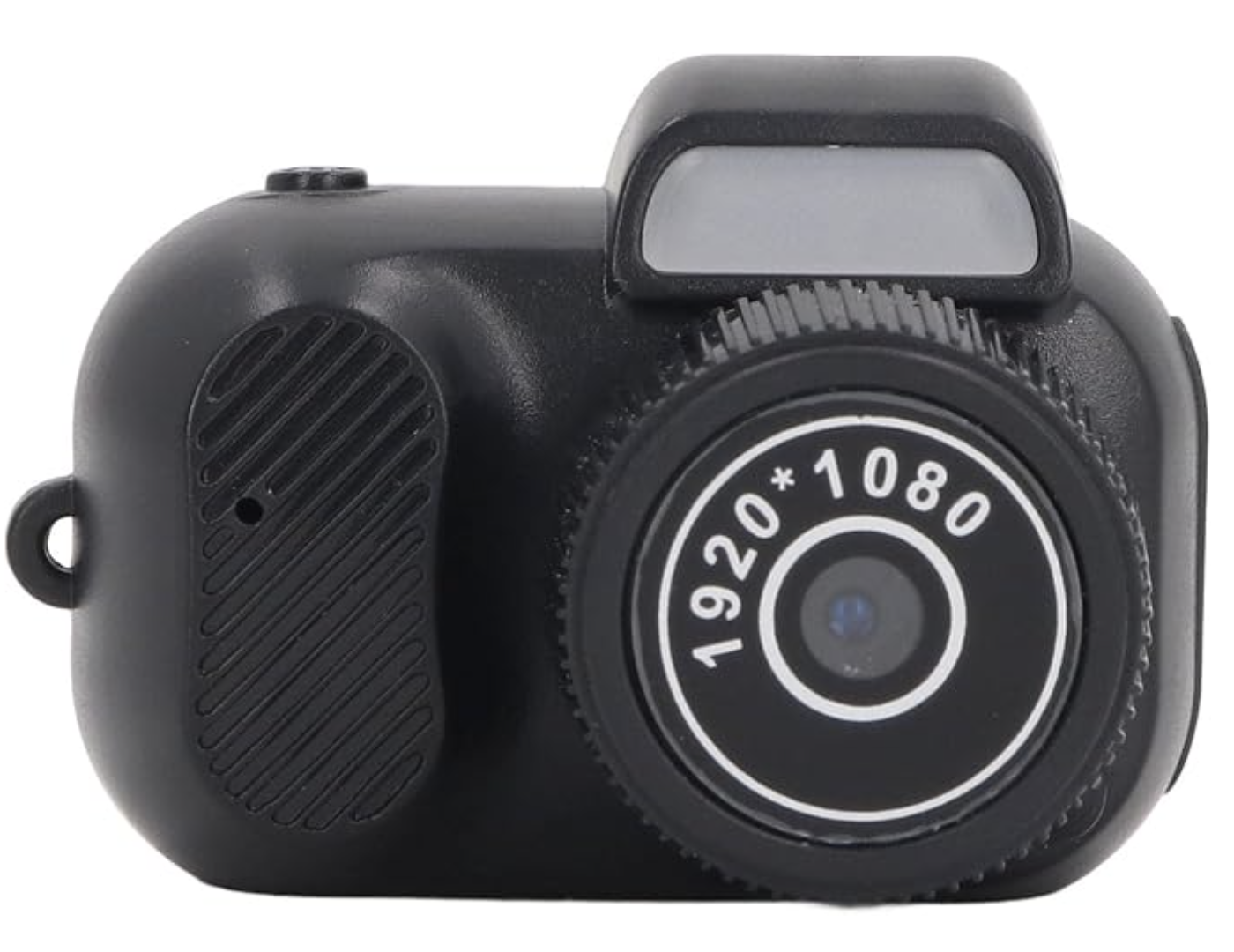


Compact 1080p digital camera with a colour screen
Visit the VBESTLIFE Store
€16.99
In stock
Quantity: 1Drafts
0Imported drafts will appear in this table.
The draft stays in your dashboard. You decide when to publish it.
Example using a real product. The price is taken from the Amazon page shown.
One product
Found a product on Amazon? Click Import variant on its product page. To include the product’s variants, use Import all variants.
A list of products
Collect the visible products with Extract and review the list in the extension. When you are ready, click Import to send them together to Qublo.
Your drafts
Find the products in Drafts and check import progress and any errors. Finish preparing them and choose when to publish on eBay.
From best sellers to your drafts
Find products on Amazon and collect them in a list. Extract collects the products visible on the page; Import sends them together to Qublo.
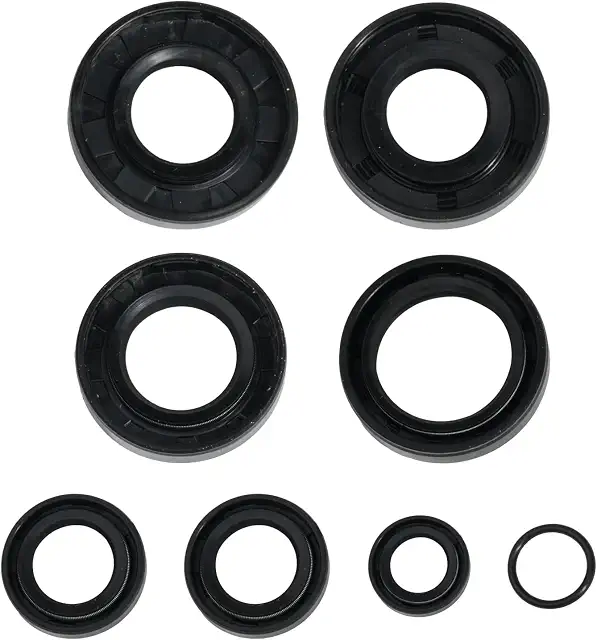
AM6 motorcycle oil seal kit
€10.99
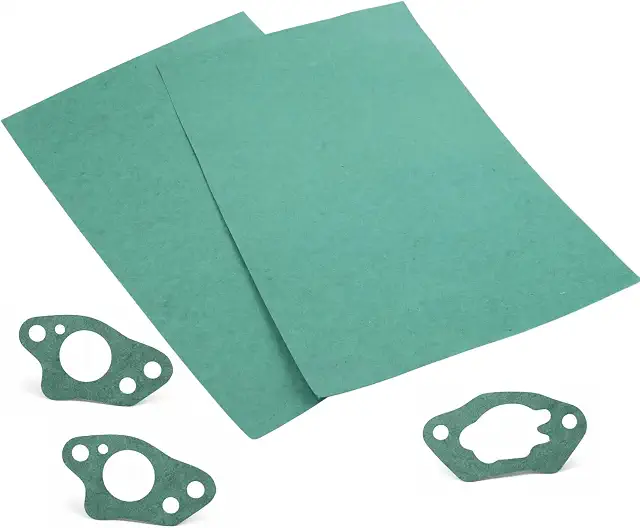
Engine gasket sheets, 300 × 200 × 0.5 mm
€9.99
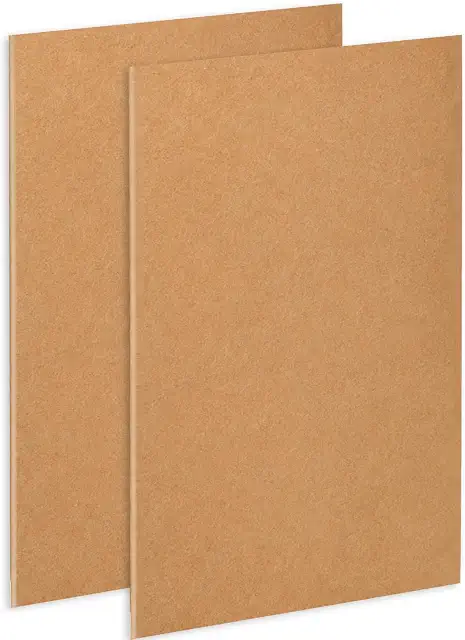
Carburettor gasket sheets, 300 × 200 mm
€7.99
Example from an Amazon page sorted by “Best sellers”. Products and prices are taken from the page shown and are not updated in real time.
Before importing, select an eBay store for the same country as the Amazon page in the extension.
Need to install the extension? Read the guide in the documentation