Importing and drafts
Choose on Amazon. Find it in Qublo.
The extension adds Qublo controls to the product page. Import the variant you are viewing or collect several products into a list.
See the complete guide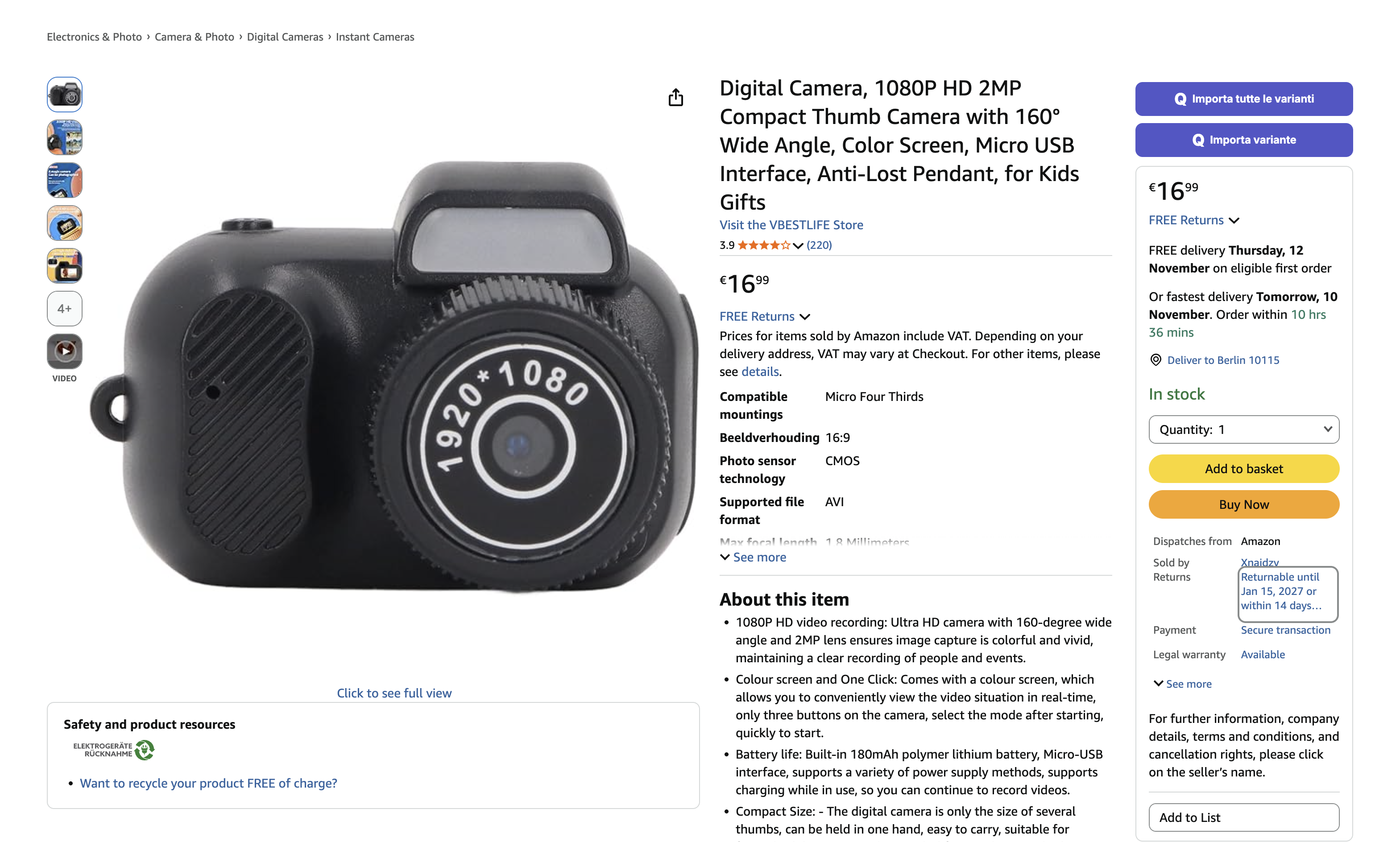
Keep browsing without losing your selection
As you browse, send products to the eBay store selected in your extension. On an Amazon product page, choose the variant you want and use the relevant Qublo button. On a page containing several items, Extract collects the loaded products so you can prepare a list. Imported products appear in Drafts, where you can still review their content, images and price before publishing.
- Import one variant or all available variants.
- Collect a list with Extract and review it before submitting.
- Choose the destination store inside the extension.
How to get started
Sign in to the extension
Follow the installation guide, open the extension from your browser toolbar and sign in to your Qublo account.
Choose a product
Open the correct Amazon country, select the variant and choose Import variant or Import all variants.
Check Drafts
Wait for the operation’s confirmation. Open Qublo and review the imported product before preparing it for publication.
Find every step in the documentation
Screens, instructions and practical checks for this feature.